Documents into accounting rows.
With review before posting.
aiDOCS extracts selected fields from bank statements, foreign supplier invoices, customs paperwork and photographed receipts for Georgian accounting teams. It prepares a review-ready file for ORIS, Balance or 1C and keeps uncertain fields with a human.
Start with the documents your team handles every week.
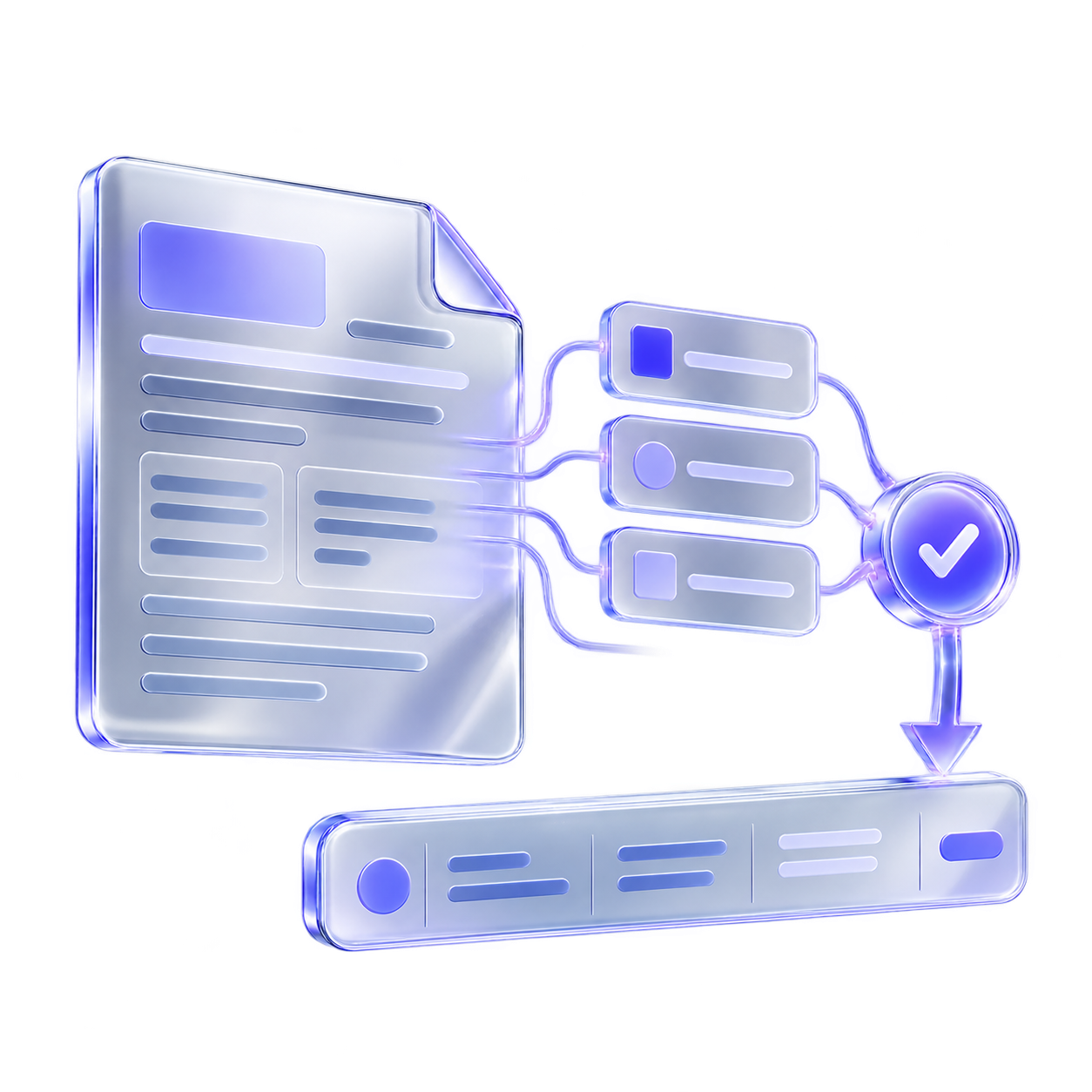
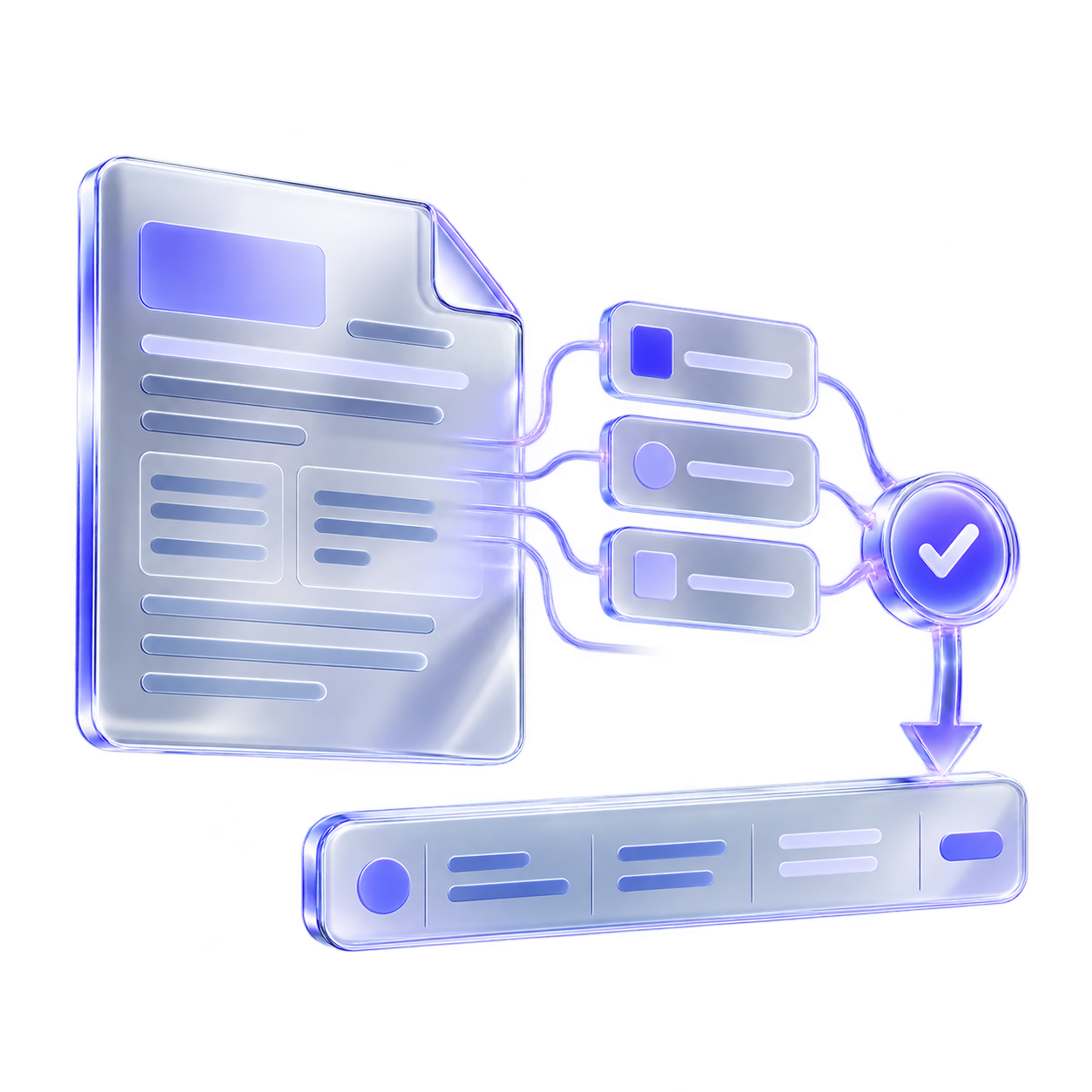
InputPDF, scan, photo or attachment

FieldsAmounts, dates and supplier data
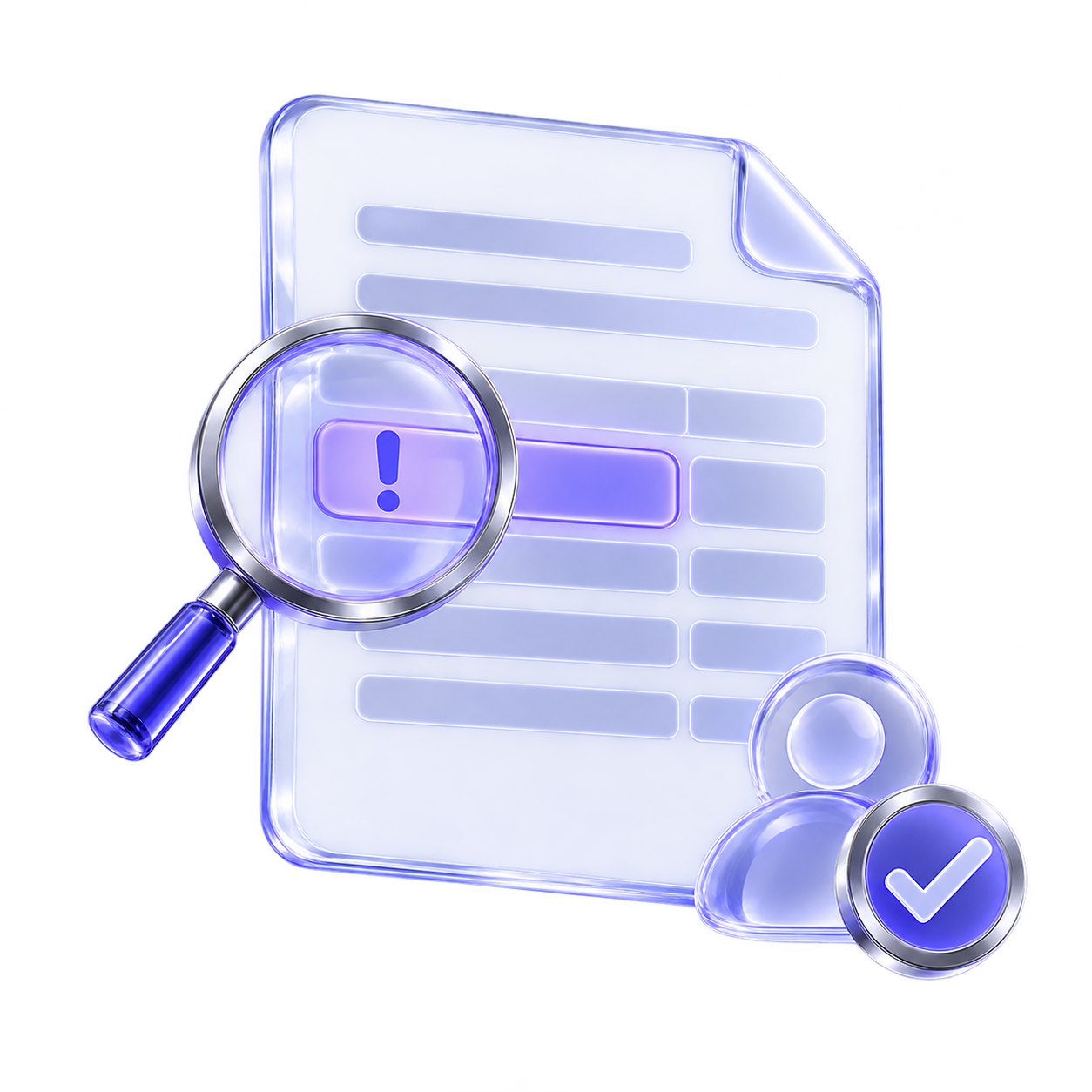
ReviewUncertain values stay visible
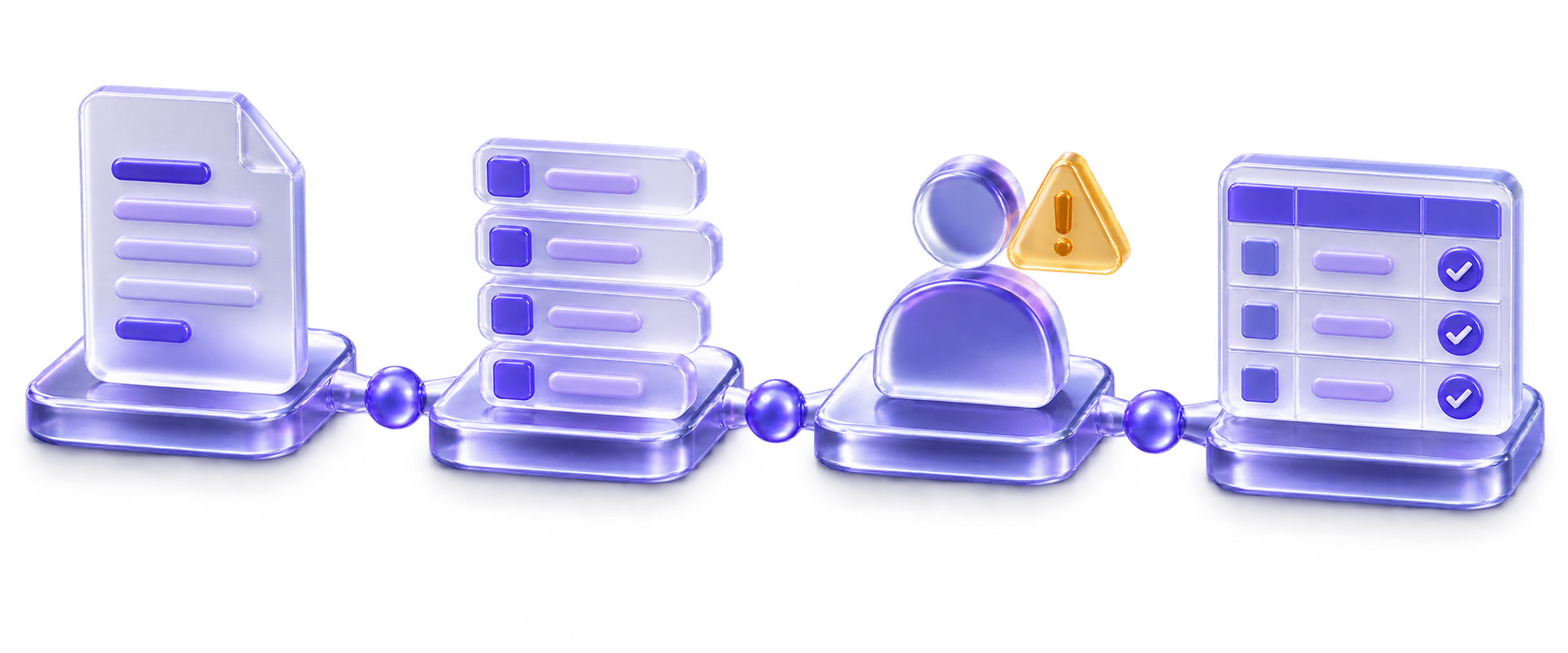
RowORIS · Balance · 1C-ready file
From selected document to checked accounting row ⤴
Document review
Extraction does not replace human approval.
We define the document type, fields and output format first. Uncertain values stay visible and the accountant keeps final approval.
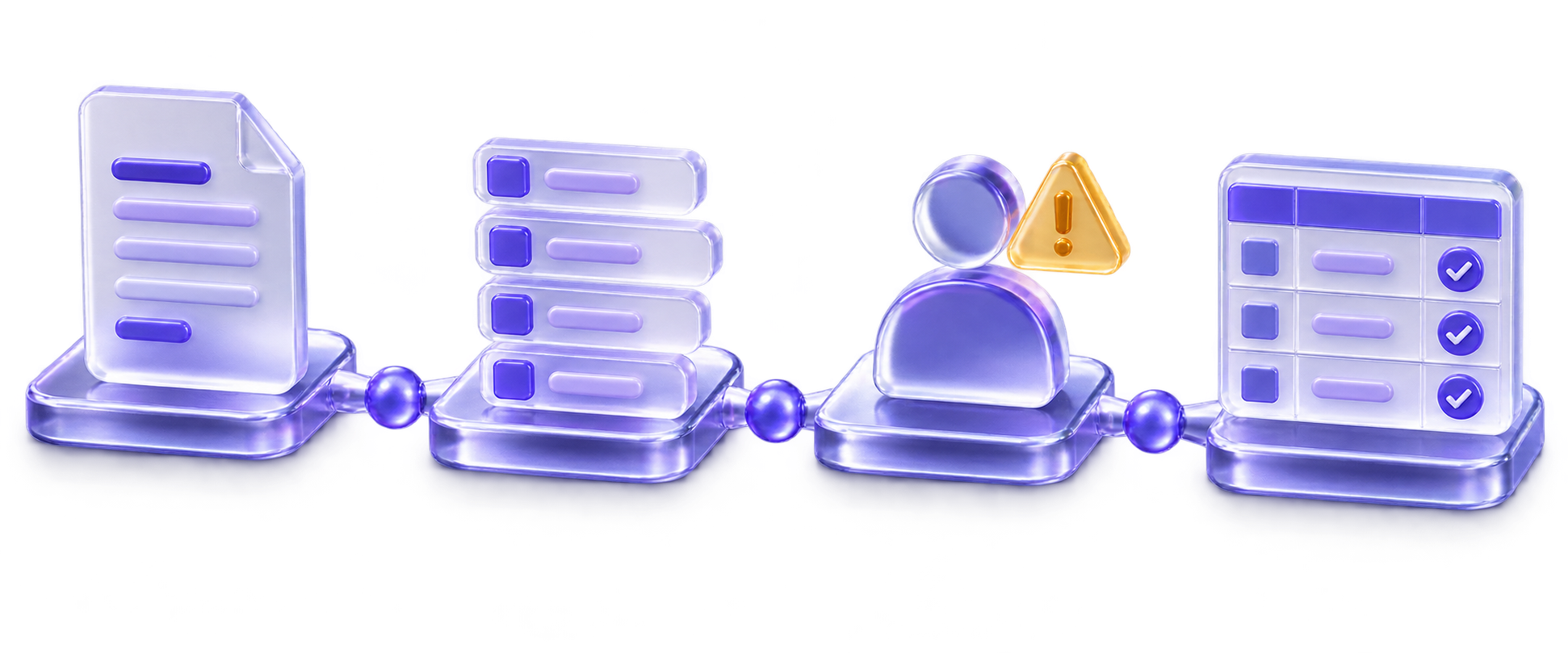
Human reviewFinal approval
aiDOCS prepares working material; it does not automatically post a final accounting entry.
What the document must make clear
FileFile
FieldField
ReviewReview
OutputOutput
- File
- Selected documentThe sample defines what enters the workflow.
- Field
- Accounting columnsDocument fields map to the agreed output format.
- Review
- Uncertain valuesLow-confidence fields stay with a human.
- Output
- Draft before postingThe accounting team keeps final approval.

aiDOCS · aiNOW
DOCUMENT. FIELD. REVIEW.
AI in documents, approved by a person.
Tbilisi / aiNOW teamWhere does document work slow the team?
Choose the document moment that sounds familiar.
Document extraction
Start with one document type
A useful workflow starts with your files and columns, not a generic OCR promise.
What we clarify
- Which documents are in scope.
- Which fields the accountant needs.
- Which values require human review.
- Which import format the team uses.
First step
We choose a representative sample and agree which fields become the first accounting row.
What we need from you
A small document sample, target columns and review rules.
Choose a document flow to examine
Selected documents become a file ready for review. Your sample defines the fields and format; a person approves the result.
Statements and supplier documents
Extract fields from bank statements and foreign supplier invoices.
Receipts and expense evidence
Prepare photographed receipts and selected expense documents for review.
Customs and import paperwork
Map selected customs documents into the team’s agreed review format.
Accounting-ready output
Prepare a file for ORIS, Balance or 1C after human review.
Document type changes the workflow
Start with the files your accounting team actually receives
Banks, suppliers, customs and expense evidence have different fields and review boundaries. The sample decides the scope.
Expense documents
Clinics and service businesses
Receipts and supplier files can be prepared for accounting review.
Choose the file types first.
Sensitive fields remain reviewable.
The accountant approves before posting.
No general accuracy percentage is promised.
Supplier paperwork
Restaurants and hospitality
Supplier invoices and receipts arrive in the formats the team already handles.
Sample invoices define the fields.
Exceptions stay visible.
Output follows the agreed columns.
Posting remains with the accountant.
Project paperwork
Property and development
Project expenses and supplier documents need a clear review queue.
Define the document source.
Separate structured data from scans.
Review ownership is explicit.
The output format is confirmed first.
Import documents
Retail and import
Foreign supplier and customs paperwork can be mapped into a planned review flow.
Supplier fields are agreed.
Customs documents remain selected scope.
Low-confidence values are reviewed.
No automatic posting is implied.
Customs paperwork
Auto import and logistics
Selected import documents can become review-ready rows for the accounting team.
Start from real paperwork.
Define the accounting columns.
Keep exceptions with a reviewer.
Third-party access stays separate.
Document control
Professional services
A document flow can be scoped where a person must inspect sensitive fields before use.
Name the source and document type.
Keep sensitive fields visible.
Define who approves the draft.
Do not treat extraction as legal or accounting advice.
From document sample to reviewed accounting file
We define the document types, fields, review boundary and output before implementation.
1
Send sample documents
Choose representative bank, invoice, customs or receipt files and state what must be extracted.
2
Map fields and review
Match fields to accounting columns and identify values a human must confirm.
3
Test the agreed output
Run the sample, review exceptions and write the production scope only after the team checks it.
Document processing with control
A draft row is not the final posting
aiDOCS extracts selected fields and prepares a review-ready file. The client’s accountant reviews and approves before anything is posted.
Start with your own files
Document type, quality and fields are checked on a representative sample.
Boundary 01● Human approval
Map to the team’s columns
The output follows the agreed ORIS, Balance, 1C or file format where safe import is possible.
Boundary 02● Human approval
Keep uncertain values visible
Amounts, dates, IDs, signatures and other sensitive fields can remain for review.
Boundary 03● Human approval
Separate structured sources
Domestic tax invoices already available as structured rs.ge data are outside standard scope.
Boundary 04● Human approval
No universal accuracy claim
Sample results are measured for the selected documents; no general percentage is promised.
Boundary 05● Human approval
Accountant approves posting
aiDOCS prepares a draft; the client remains responsible for review and posting.
Boundary 06● Human approval
Our role
A document workflow with a visible review boundary
We are aiNOW, a Tbilisi team building controlled AI workflows for real business work.
For aiDOCS, we inspect your document sample, map the needed fields and show what still needs a person.
The accounting team keeps responsibility for review and final posting.

Andro Kasparov
Co-founderCEO
Tornike Epitashvili
Co-founderCTOTbilisi, GeorgiaaiNOW · 2026
[Document workflow answers]
Questions about aiDOCS
Direct answers about document scope, review, output and terms.
The standard scope starts with selected bank statements, foreign supplier invoices, customs paperwork and photographed receipts. The exact document type is confirmed from your sample.
Yes. A narrow sample is the intended first step: one document type, the fields that matter and the output row the accountant needs.
Uncertain values stay visible for review. aiDOCS prepares a draft and does not silently turn an unclear amount, date, ID or supplier field into a final posting.
Still have a document question?
Share a sample workflowWho aiDOCS is for
Accounting teams and businesses with repeated document work and a clear human review owner.
- You have recurring PDFs, scans, photos or attachments.
- You can provide representative sample files.
- You know which fields and output columns matter.
- An accountant can review and approve draft rows.
Check a document sample
Tell us which documents arrive, which fields your accountant needs and where the reviewed file should go. We will confirm scope and written terms before implementation.
We start from your own sample documents. Uncertain fields remain visible for human review. Pricing and scope are written after the sample is understood.